The ecommerce CRO checklist: 40 things to check before you spend another dollar on ads
A page-by-page checklist for your online store, from homepage to checkout, with the fixes that matter most marked.

By Nicolas Fradet, founder of FunnelSpark · 16 years in CRO, 1,000+ A/B tests
Updated Oct 28, 2026 · 10 min read
The short answer
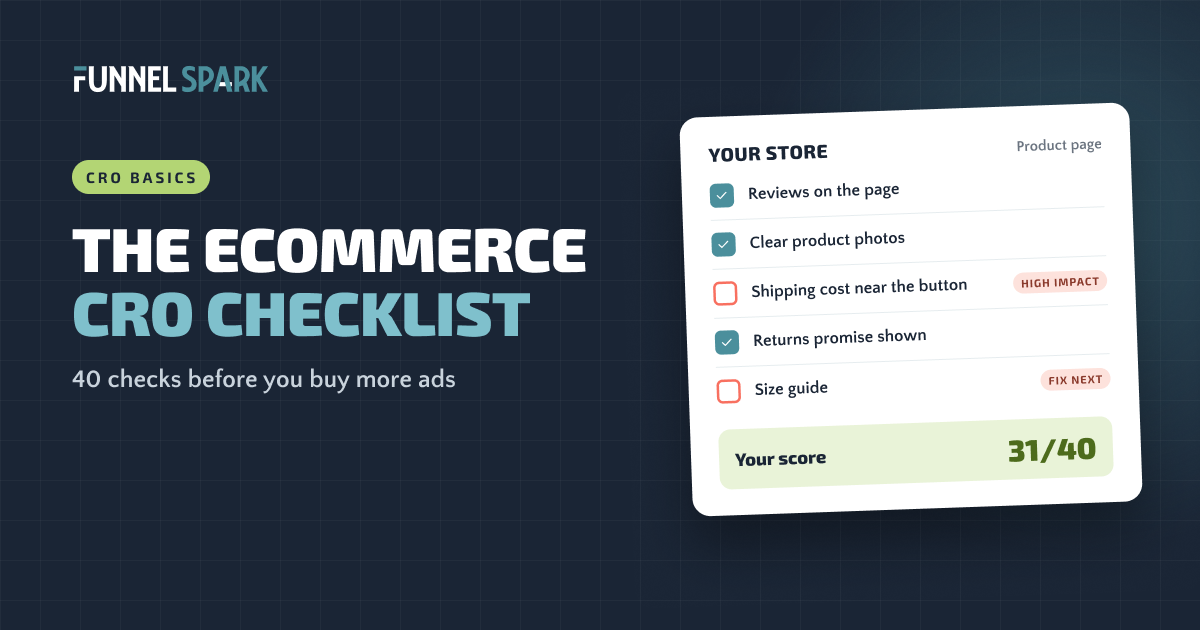
An ecommerce CRO checklist walks through your store the way a shopper does: homepage, collection pages, product pages, cart, checkout and mobile. This one has 40 checks and takes about 45 minutes with a laptop and your phone. Fix the unchecked items marked "High impact" first, starting with the pages closest to checkout.
How to use this checklist
CRO, or conversion rate optimization, means getting more of your visitors to buy. Before you spend more on ads, it pays to make sure the store can turn those clicks into orders. Every leak you fix makes each ad dollar work harder.
Go through your store as a new shopper would, on a laptop first and then on your phone. Tick each check your store passes. Be strict: "sort of" counts as no.
Where it helps, we've added what top stores do. Those numbers come from our page-by-page breakdown of 25 top online stores, including Gymshark, SKIMS, Chewy, Crocs and Fenty Beauty.
Homepage and navigation (1–7)
The homepage has one job: get each visitor to the right products, fast.
- The first screen says what you sell and who it's for. In plain words, not a slogan. A new visitor should get it in 5 seconds. High impact
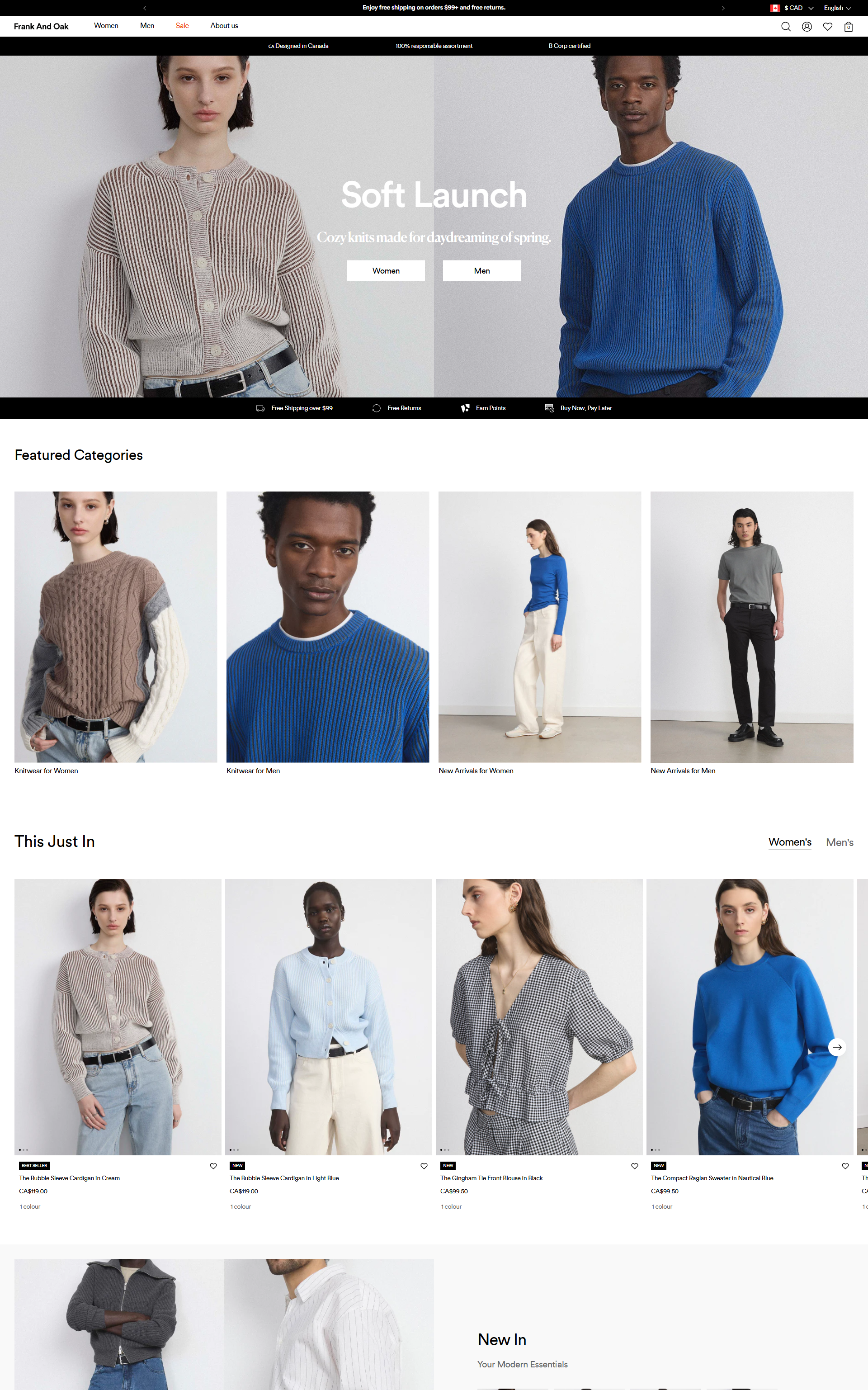
- Each type of shopper has a clear path. Photo tiles or buttons like "Shop women" and "Shop men," or "Shop by concern." 20 of the 25 top stores we broke down do this.
- An announcement bar shares your best offer or promise. Free shipping, free returns or a guarantee. 18 of the 25 top stores use one.
- The menu uses shoppers' words, not your internal names. Put your key collections in the main menu. Abbott Lyon and Blueland do this instead of a single "Shop all" link.
- Search is easy to find, and it works. Search for 3 common products, including one with a typo. Do the right products come up?
- Proof shows up early. A review count, star rating, press logos or number of customers on the homepage.
- Contact info and the returns policy are easy to find. In the header or footer, one click away.
Collection pages (8–13)
Collection pages are where shoppers compare. Make it easy to narrow down and pick.
- Shoppers can filter and sort. By size, color, price and type, plus sort by bestselling and price. 21 of the 25 top stores offer filters or sort. High impact
- Product photos share one clean style. Same background, same angle, same crop. 21 of the 25 top stores shoot on a plain background.
- Each product card shows the price and star rating. 14 of the 25 top stores show star ratings right on their collection pages.
- Badges help shoppers choose. "Bestseller," "New" or "Back in stock." 19 of the 25 top stores use product badges.
- Color options show as swatches. If a product comes in colors, show them. 12 of the 25 top stores use visual swatches or shade pickers.
- The page loads fast and doesn't jump. Scroll to the bottom on your phone. Does "Load more" work? Do images pop in and shove things around?
Product pages (14–25)
This is where the decision happens. Every question a shopper can't answer here is a reason to leave.
- Photos show the product clearly. Plain background, zoom, the product in use, and something for scale. High impact
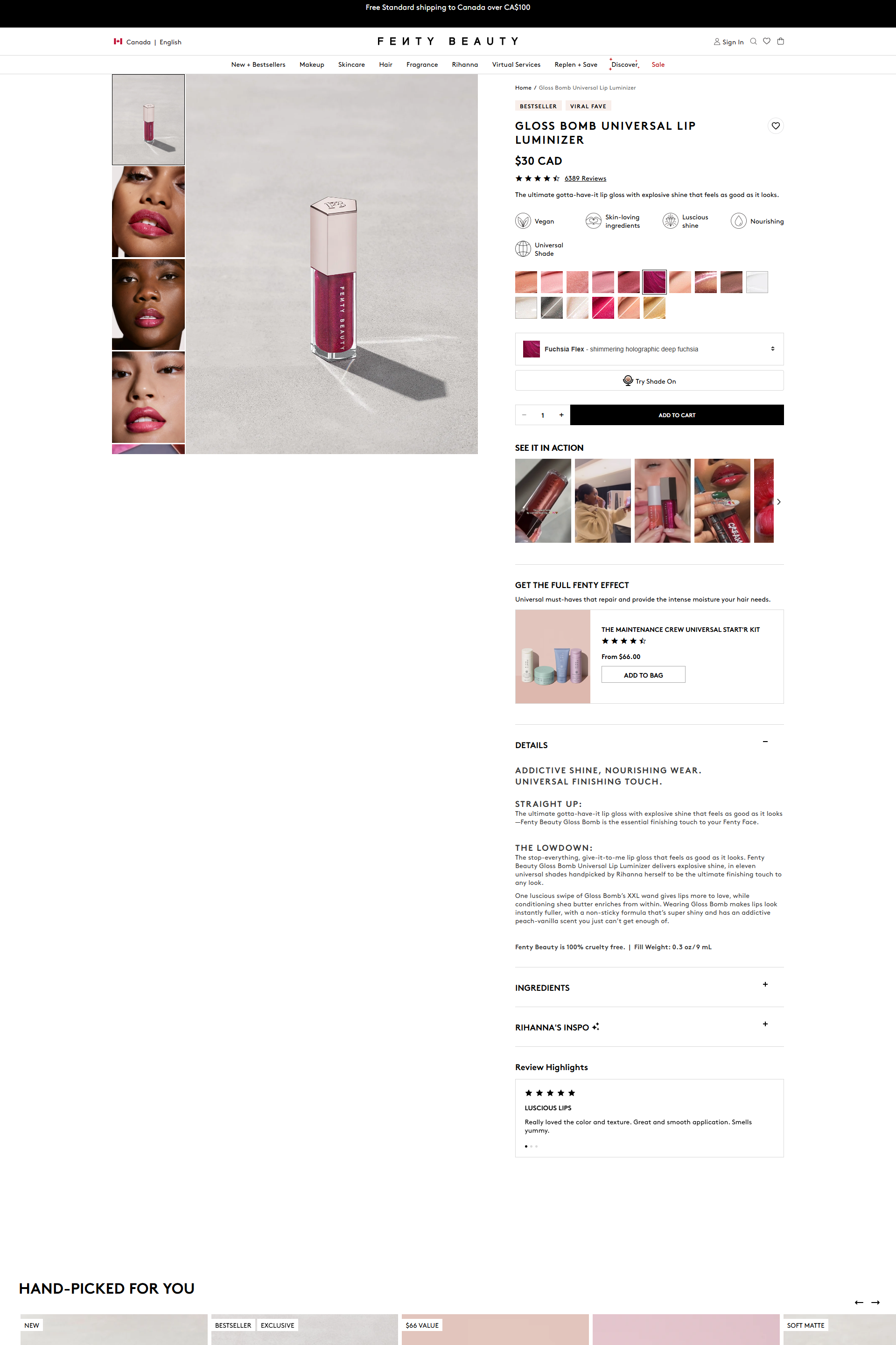
- Ratings and reviews are on the page. 23 of the 25 top stores show them on the product page. Fenty Beauty puts them high on the page. High impact
- The price is clear. Show crossed-off prices only for real discounts (9 of the 25 top stores do). Some drop the cents to make prices feel simpler (8 of 25).
- Benefits come before features. What it does for the shopper first, then the specs. Short lines, easy to scan.
- Details are tucked into accordions or tabs. Materials, care, ingredients and FAQs stay one tap away without making the page endless. 16 of the 25 top stores use them.
- A size guide or model size is there, if size matters. 8 of the 25 top stores show one. Oh Polly even adds an "overall fit" rating to its reviews.
- Shipping cost and delivery time are near the add to cart button. Not hidden on a policy page. 9 of the 25 top stores show shipping or delivery info before checkout. High impact
- The returns promise or guarantee is near the button. 12 of the 25 top stores make a guarantee or returns promise.
- The add to cart button is the most visible thing on the page. On your phone, can you see it without scrolling? If not, consider a sticky button. 3 of the 25 top stores use one.
- Higher prices show a pay later option. "Or 4 payments of $25." 11 of the 25 top stores show pay later options, mostly on the product page.
- Stock or dispatch info shows, when it's true. "In stock, ships today" builds confidence. 9 of the 25 top stores show stock or demand signals. Never fake them.
- Related products or bundles are suggested. Items that go with this one. 22 of the 25 top stores suggest related products before checkout.
Cart (26–31)
The cart is where shoppers add things up. Make sure nothing surprises them.
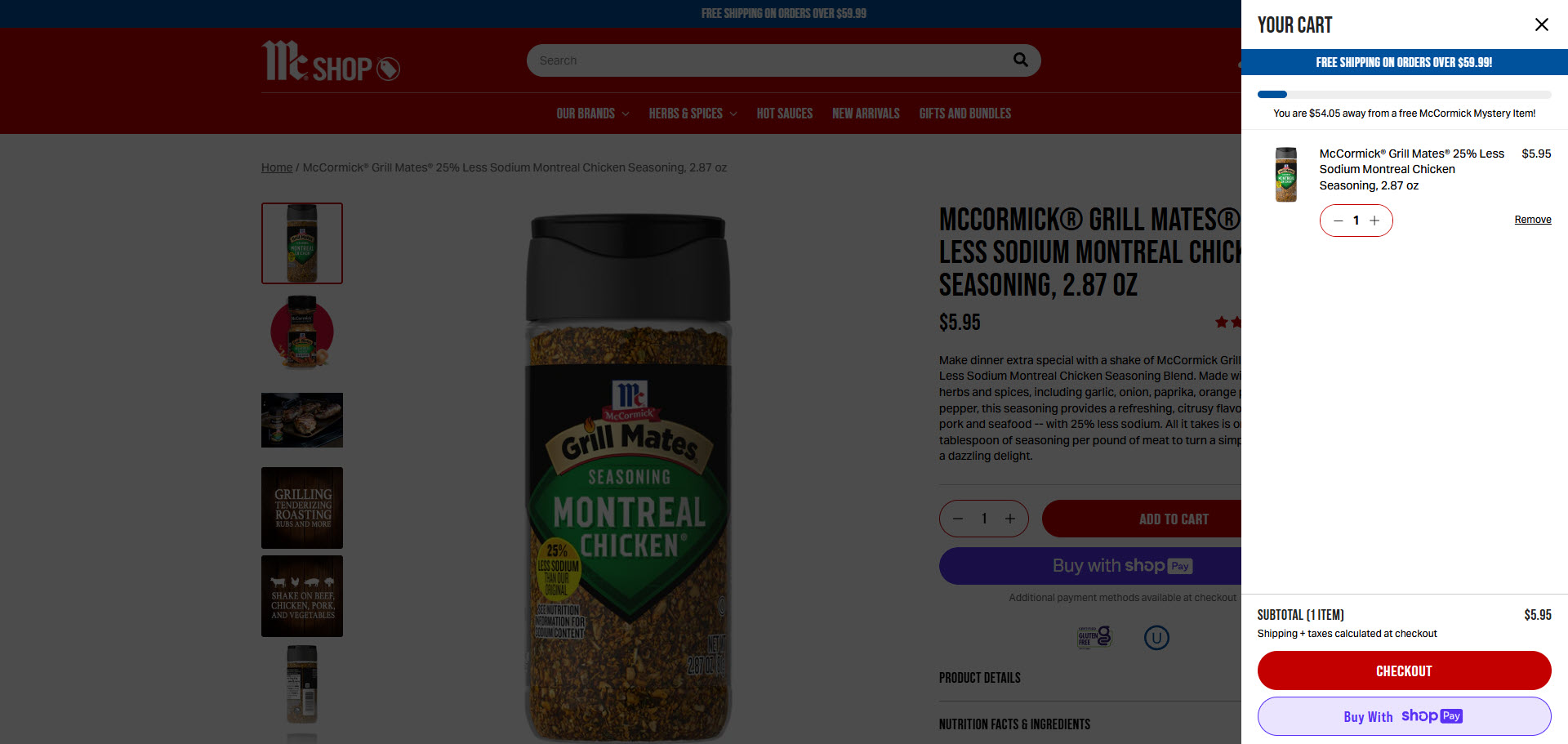
- Shipping cost, or progress toward free shipping, shows in the cart. 15 of the 25 top stores show a free shipping threshold or confirm free shipping in the cart or checkout. Here's how to set your threshold. High impact
- Express checkout buttons are in the cart. Shop Pay, Apple Pay or PayPal let shoppers skip most of the form.
- There's one useful add-on suggestion. Something that goes with what's in the cart. 19 of the 25 top stores suggest products right in the cart.
- Editing is easy. Change quantity, size or color, or remove an item, without leaving the cart.
- A reassurance line sits near the checkout button. "Free returns within 30 days" or "Secure checkout." Only 4 of the 25 top stores show value promises in the cart or checkout, so it's an easy way to stand out.
- The discount code field isn't the star. A big empty coupon box sends people off to search for codes. Keep it small.
Lots of shoppers leaving full carts? Our guide on how to reduce cart abandonment goes deeper.
Checkout (32–36)
By checkout, shoppers have decided. Your only job is to not stop them.
- Shoppers can check out as guests. In Baymard Institute's research, 18% of shoppers who abandoned an order left because the site wanted an account. High impact
- Several ways to pay, including express options. 24 of the 25 top stores we broke down offer several ways to pay. High impact
- The form asks only for what you need. Baymard found the average checkout has 11.3 form fields, while most stores need only 8.
- Security is mentioned near the pay button. 19 of the 25 top stores mention a secure checkout. On Shopify, adding your own text inside checkout needs Shopify Plus, so on other plans put this line in the cart instead.
- No new costs appear on the last step. Extra costs are the top reason shoppers abandon checkout: 40% of those who left named them in Baymard's research.
On Shopify? Our Shopify checkout optimization guide shows what you can change on your plan.
Mobile, speed and tracking (37–40)
Most of your shoppers are on their phones. These 4 checks catch the problems you won't see on a laptop.
- You bought from your own store on your phone, start to finish. Time it. Note every moment you hesitated or had to pinch and zoom. High impact
- Popups don't cover the screen on mobile. If you use an email popup, make it easy to close and don't show it the second someone lands.
- Pages load fast on a phone connection. Check your key pages in Google PageSpeed Insights, and look at Shopify's web performance report.
- Your tracking works. Place a test order and make sure it shows up in your analytics. You can't improve what you can't measure.
How to score your store, and what to fix first
Count your ticks out of 40.
| Your score | What it means | What to do |
|---|---|---|
| 35 to 40 | Your basics are solid | Your next gains come from A/B testing, not more fixes |
| 25 to 34 | A few leaks are costing you sales | Fix the unchecked "High impact" items this month |
| Under 25 | Ads are filling a leaky bucket | Fix the leaks before you raise your ad spend |
Then fix things in this order:
Fix in this order: start closest to checkout
- Unchecked "High impact" items first. They're the ones that stop shoppers most often.
- Start closest to checkout. Checkout, then cart, then product pages. People there are already trying to buy, so each fix pays off faster.
- Quick wins next. Settings and copy changes, like turning on express checkout or adding a returns line, take minutes.
- Test the big changes. New layouts, new offers and redesigns are worth A/B testing. Of the 1,000+ A/B tests we've run, 37% won, so plenty of good-looking ideas don't lift sales.
"Most stores don't need 40 fixes. They need the 3 that are costing them the most," says Nicolas Fradet, founder of FunnelSpark. "The checklist shows you where to look. Your numbers tell you which ones to fix first."
Getting traffic but almost no orders? Start with our guide to getting more sales on Shopify. Curious what the fixes could be worth? Try our revenue calculator.
FAQ
It's a list of things to check on your online store that affect how many visitors buy, from the homepage to checkout. It helps you find leaks before you spend more on traffic.
Going through this 40-point checklist takes about 45 minutes with a laptop and your phone. A full audit that also looks at your analytics and session recordings takes longer.
The unchecked "High impact" items, starting with checkout and the cart, because shoppers there are already trying to buy. Then quick setting and copy changes.
Yes. Start by fixing clear problems, like hidden shipping costs or forced account creation. Once your store has steady traffic, A/B test bigger changes so you know what actually works.
Every few months, and after any big change, like a new theme, new apps or a new checkout setup. Small changes can break things you checked before.
Written by
Nicolas Fradet
Nicolas is the founder of FunnelSpark, an ecommerce CRO agency. He has spent 16 years finding out why shoppers don't buy, with 1,000+ A/B tests run and a 37% win rate. He wrote Stop Guessing. Start Converting.
Follow Nicolas on LinkedIn →Want us to find what's stopping your shoppers?
On a free 30-minute call, Nicolas looks at your store and shows you 3 growth opportunities, whether we work together or not.
Book your free call