How to reduce cart abandonment: a checklist from cart to thank-you page
Why shoppers leave full carts behind, the fixes that bring them to the order page, and the emails that win back the rest.

By Nicolas Fradet, founder of FunnelSpark · 16 years in CRO, 1,000+ A/B tests
Updated Oct 28, 2026 · 8 min read
The short answer
To reduce cart abandonment, remove the reasons people leave: show the full cost early, let shoppers check out as guests, offer fast ways to pay like Shop Pay and Apple Pay, and reassure them near the pay button. Then send a short abandoned cart email series, starting within the first hour, to win back the shoppers who still leave.
What is cart abandonment?
Cart abandonment is when a shopper adds a product to their cart and leaves without buying. Checkout abandonment is the same thing one step later: they started checkout, maybe even typed their email, and still left.
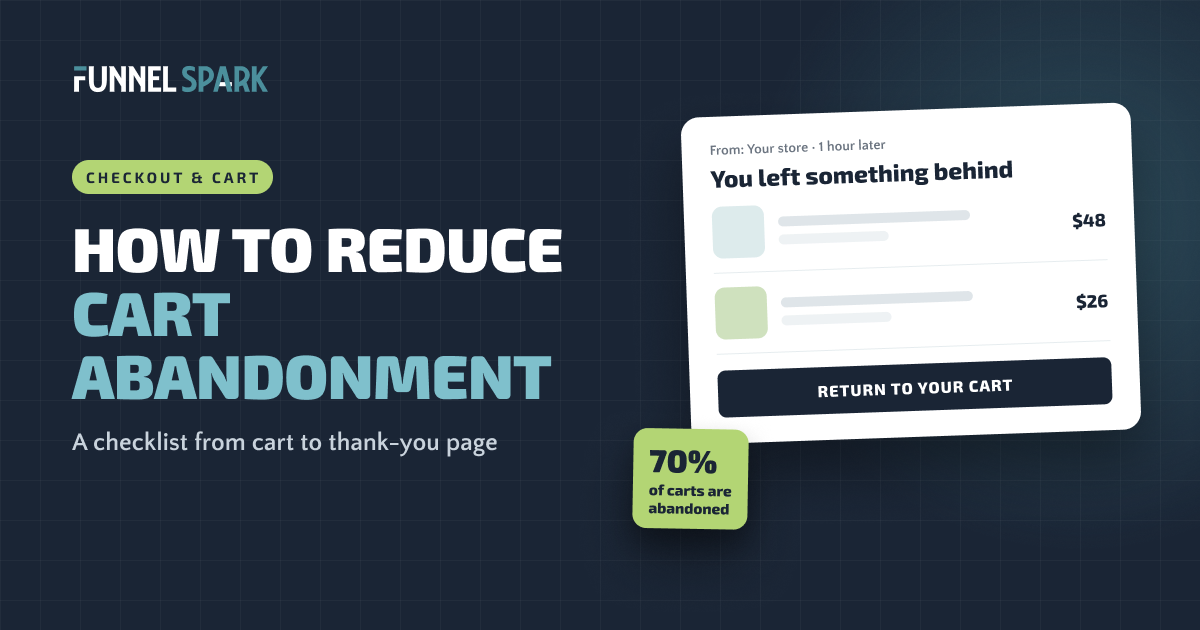
It's normal, up to a point. Baymard Institute averaged 50 studies and found that about 70% of online carts are abandoned. Many of those shoppers were never going to buy that day. But a big share leave because of something the store did, and that part you can fix.
of online shopping carts are abandoned, on average. Source: Baymard Institute, average of 50 cart abandonment studies.
How to calculate your cart abandonment rate
Take the number of orders, divide by the number of carts created, and subtract from 1.
Example (a made-up store, to show the math)
| Sessions with an item added to cart (last 30 days) | 1,200 |
| Orders (last 30 days) | 300 |
| Cart abandonment rate: 1 − (300 ÷ 1,200) | 75% |
In Shopify, you'll find both numbers in Analytics: the conversion rate breakdown shows sessions that added to cart, reached checkout and completed checkout. Do the same math between "reached checkout" and "completed checkout" to get your checkout abandonment rate.
The 2 rates tell you where to look. If people leave mostly in the cart, the problem is on the cart page or earlier. If they leave mostly after starting checkout, it's the checkout itself.
Why shoppers abandon their carts
Baymard Institute asked US shoppers who abandoned an order why they left (leaving out those who were "just browsing"). Here are the top reasons, and the fix for each.
| Reason shoppers gave | Share | The fix |
|---|---|---|
| Extra costs too high (shipping, tax, fees) | 40% | Show shipping costs before checkout, or set a free shipping threshold |
| Delivery was too slow | 20% | Show an estimated delivery date on the product page and in the cart |
| Didn't trust the site with card details | 19% | Familiar payment options, a security note near the pay button, real reviews |
| Site wanted an account created | 18% | Turn on guest checkout |
| Checkout too long or complicated | 17% | Fewer form fields, express payment buttons |
| Website had errors or crashed | 17% | Test checkout on real phones, check apps and scripts |
| Returns policy wasn't good enough | 13% | A clear, generous returns policy, shown in the cart |
| Couldn't see the total cost up front | 12% | A shipping estimate in the cart |
| Not enough payment methods | 9% | Add Shop Pay, Apple Pay, Google Pay, PayPal and pay later options |
Notice that most of these are about surprises and worries, not price. Shoppers don't leave because your product costs $60. They leave because it turned into $74 on the last screen, or because they weren't sure they could send it back.
Checklist part 1: the cart
The cart is where shoppers stop and add things up. Make that moment easy.
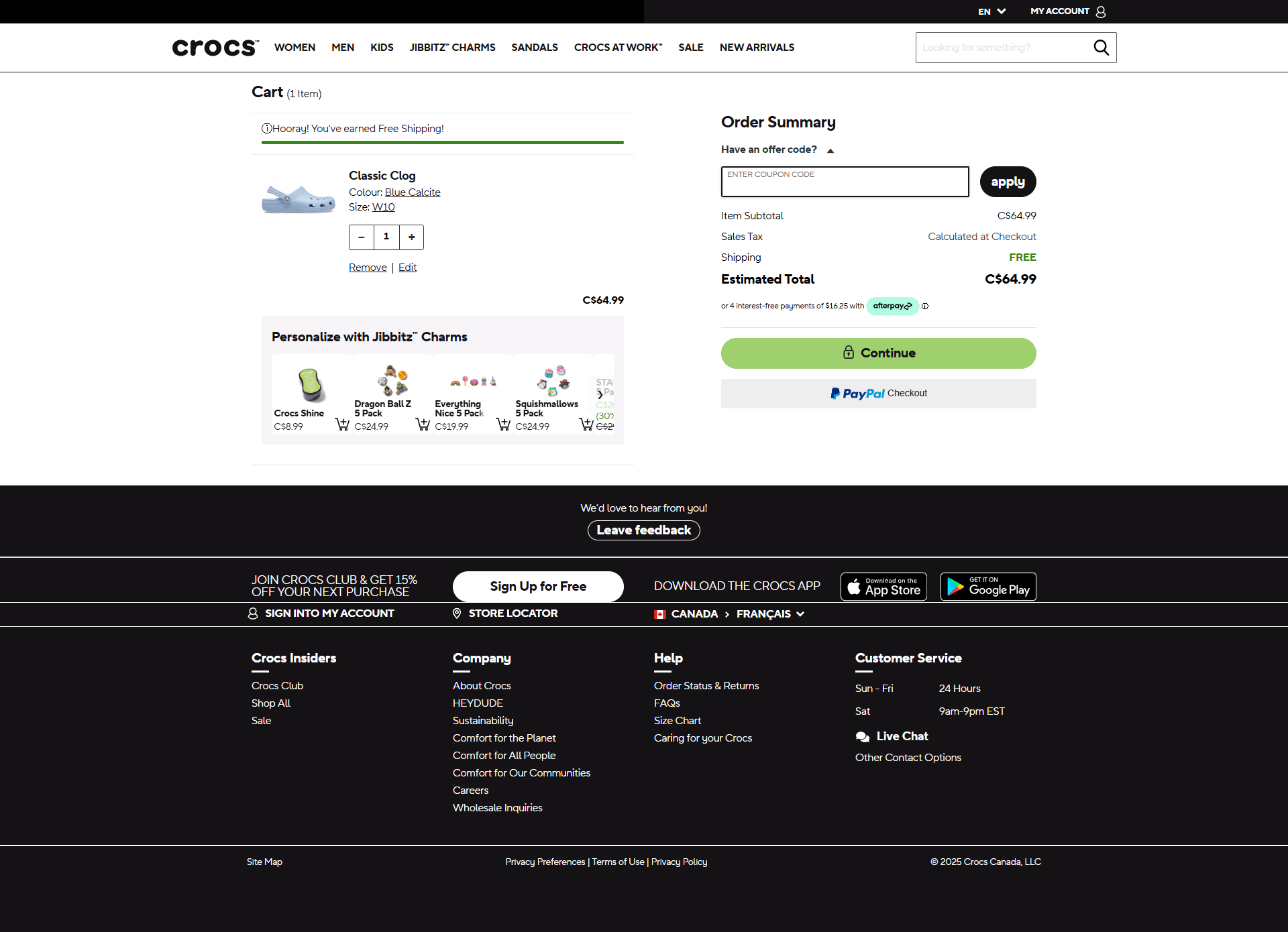
- Show shipping before checkout. A shipping estimate or a free shipping progress bar, so the total is never a surprise. 15 of the 25 top stores we broke down show a free shipping threshold or confirm free shipping in the cart or checkout. Here's how to set your free shipping threshold.
- Put express checkout buttons in the cart. Shop Pay, Apple Pay and PayPal buttons let shoppers skip most of the form. McCormick puts a Shop Pay button right in its cart, and Bodybuilding.com and Crocs show PayPal there.
- Remind them of returns. One line near the checkout button, like "Free returns within 30 days," answers the worry right when it shows up.
- Show the delivery estimate. "Arrives by Friday" beats "Ships in 3 to 5 business days." Of the 25 top stores we broke down, only Chewy showed a delivery date estimate, so this is an easy way to stand out.
- Make editing easy. Change size, quantity or color without going back to the product page.
- Suggest one useful add-on, not ten. 19 of the 25 top stores suggest related products right in the cart. Keep it to items that go with what's in the cart, so the suggestion helps instead of distracting.
- Don't make the discount code box the star. A big empty coupon field sends people off to search for codes, and some never come back. Keep it small, or behind a "Have a code?" link.
Checklist part 2: the checkout
Once they're in checkout, your only job is to get out of the way.
- Let them check out as guests. Offer to create an account after the order, on the thank-you page.
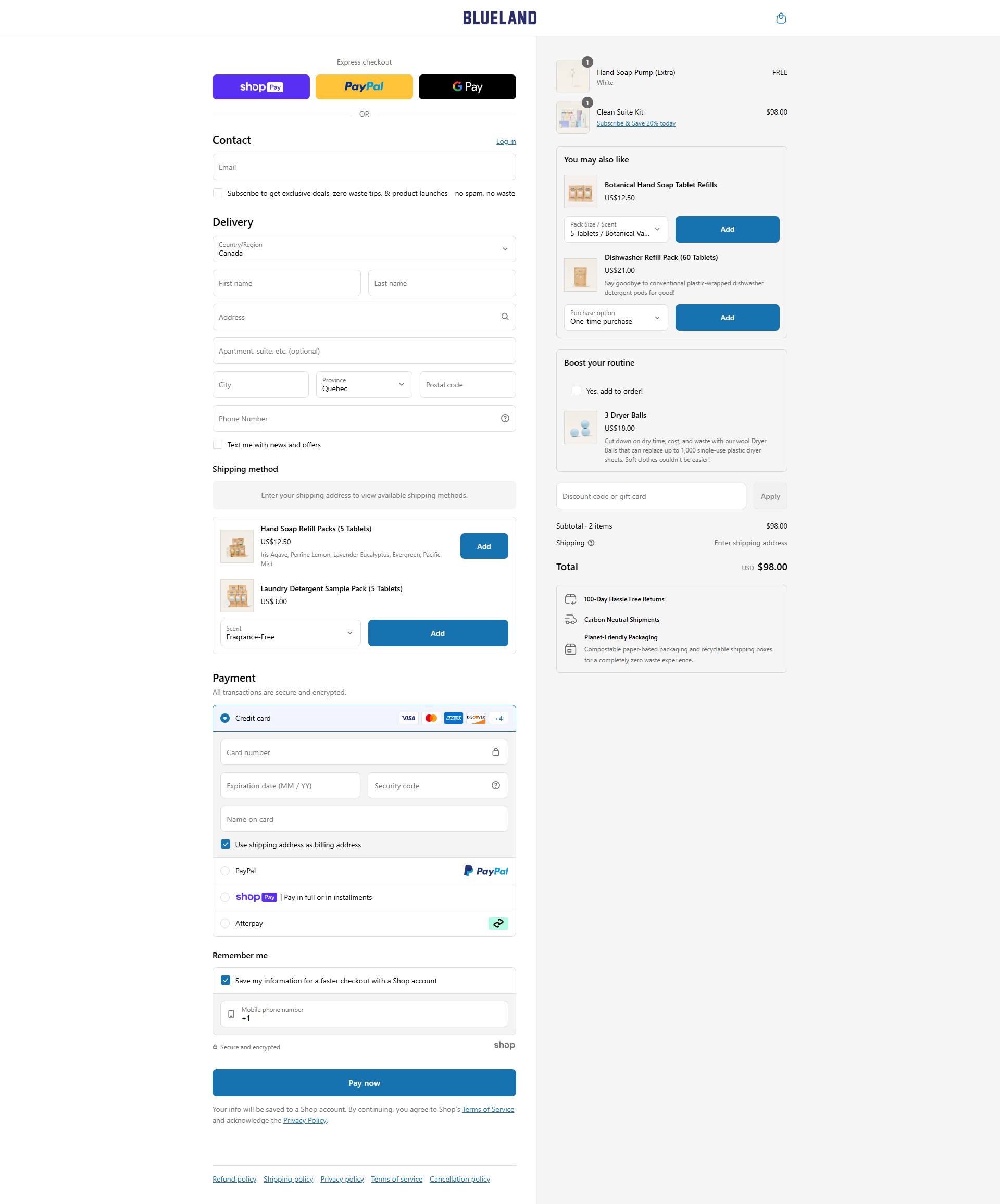
- Cut the form fields. Baymard found the average checkout has 11.3 form fields, while most stores need only 8. Remove company name and second address lines, or hide them behind a link.
- Offer the ways people already pay. 24 of the 25 top stores we broke down offer several ways to pay. 11 of the 25 also show pay later options like Klarna or Afterpay, mostly on the product page, which takes the sting out of a bigger price.
- Reassure them near the pay button. 19 of the 25 top stores mention a secure checkout, most of them right on the checkout page. Chewy even shows a phone number for support at checkout. Keep it short and close to where they type their card. On Shopify, custom text inside checkout needs Shopify Plus, so on other plans put it in the cart, just above the checkout button.
- No new costs on the last step. If the total jumps at the end, people leave. Any fee should already be visible in the cart.
- Test it on your phone. Most shopping happens on phones. Check that the keyboard matches each field (numbers for phone and card), and that address autocomplete works.
On Shopify, some of this is set for you and some isn't. Our Shopify checkout optimization guide covers what you can change and how.
Abandoned cart emails: what to send and when
Even a great checkout loses people. Abandoned cart emails win some of them back. Shopify has a built-in abandoned checkout email, and email tools like Klaviyo can send a full series. Either way, you can only email shoppers who typed their email address, so ask for it early in checkout.
Here's a simple series to start with.
A simple abandoned cart series
- Don't lead with a discount. If the first email always has a code, shoppers learn to leave their carts and wait for it.
- Stop the series when they buy. Nothing kills trust faster than "Still thinking about it?" the day after someone ordered.
- Test 1 email vs 3. Some stores make more with a single reminder. Measure orders and revenue per email, not opens.
How to know it's working
Cart abandonment rate is useful, but it's not the goal. A free gift with every order would lower abandonment and could still lose you money. Track these instead:
- Checkout completion rate: orders divided by sessions that reached checkout.
- Revenue per visitor: total revenue divided by all visitors. It combines conversion rate and order value in one number.
- Recovered revenue: orders that came from your abandoned cart emails.
If your traffic allows it, A/B test the bigger changes instead of just switching them on. Of the 1,000+ A/B tests we've run, 37% won. Plenty of "obvious" checkout fixes turn out to make no difference, and a few make things worse.
FAQ
The average is about 70%, according to Baymard Institute's average of 50 studies. Being under that is good, but the more useful target is beating your own rate from last month.
Cart abandonment counts shoppers who added an item to their cart and didn't buy. Checkout abandonment counts only those who started checkout and didn't finish, so it points to problems in the checkout itself.
Extra costs. In Baymard Institute's research, 40% of US shoppers who abandoned an order said shipping, taxes or fees were too high. Showing those costs early fixes much of it.
Yes, they're one of the most reliable emails a store sends, because they go to people who were about to buy. Send the first one within an hour and stop the series as soon as the shopper orders.
Not in the first email. Start with a plain reminder, then answer common worries. If you use a discount, save it for the last email and for first-time buyers, so regular customers don't learn to wait for it.
Written by
Nicolas Fradet
Nicolas is the founder of FunnelSpark, an ecommerce CRO agency. He has spent 16 years finding out why shoppers don't buy, with 1,000+ A/B tests run and a 37% win rate. He wrote Stop Guessing. Start Converting.
Follow Nicolas on LinkedIn →Want us to find what's stopping your shoppers?
On a free 30-minute call, Nicolas looks at your store and shows you 3 growth opportunities, whether we work together or not.
Book your free call